


Difficulty level: Easy
Time consumption: 5 minutes
Tools: A phone with Aduro Pellet App installed - logged into the owner account
If you are selling your stove or no longer wish to have it connected to the Aduro Pellet App and cloud services, you can remove the stove directly within the app. This action will permanently delete all cloud-stored data related to the specific stove.
If you want to delete your user account — including all data associated with it — this is also possible. Please note that this action is irreversible, and all account-related data will be permanently lost.
Deleting the stove from the app
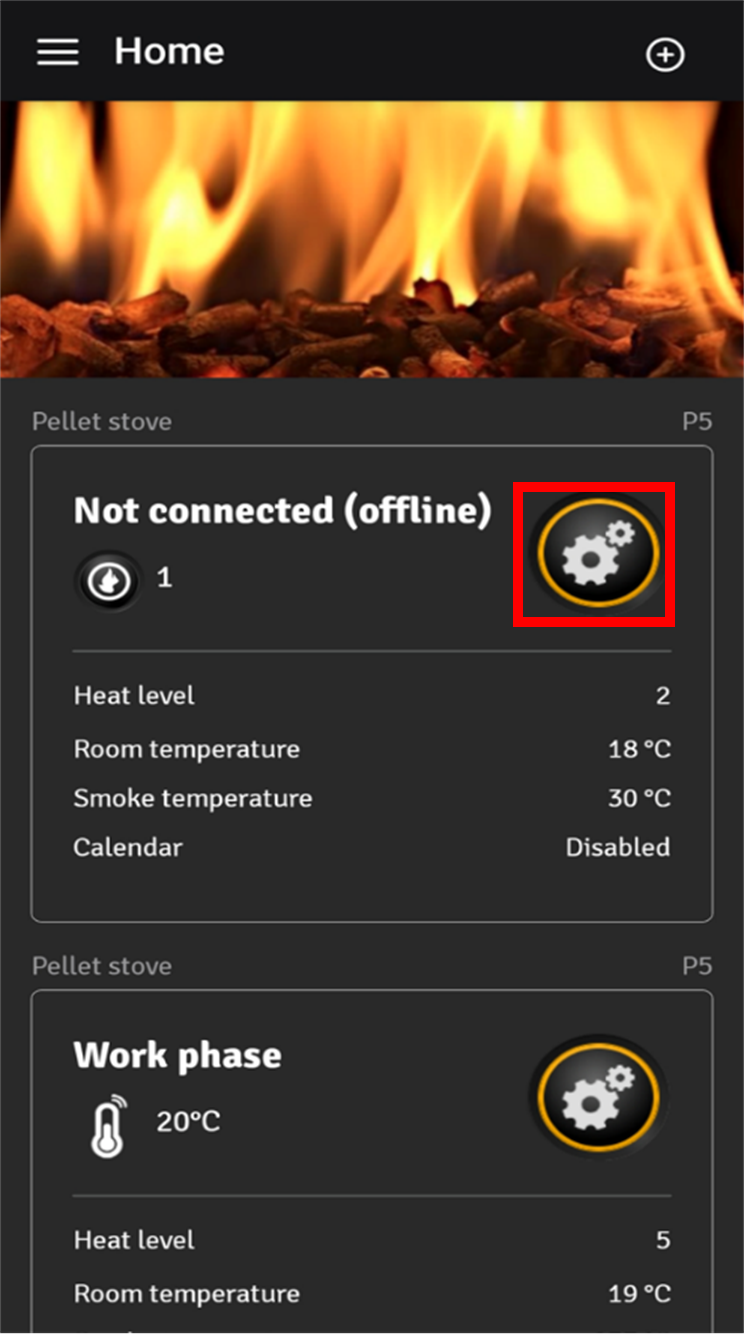
1. Open the app and access the stove you want to delete by tapping the “gear icon” next to it.
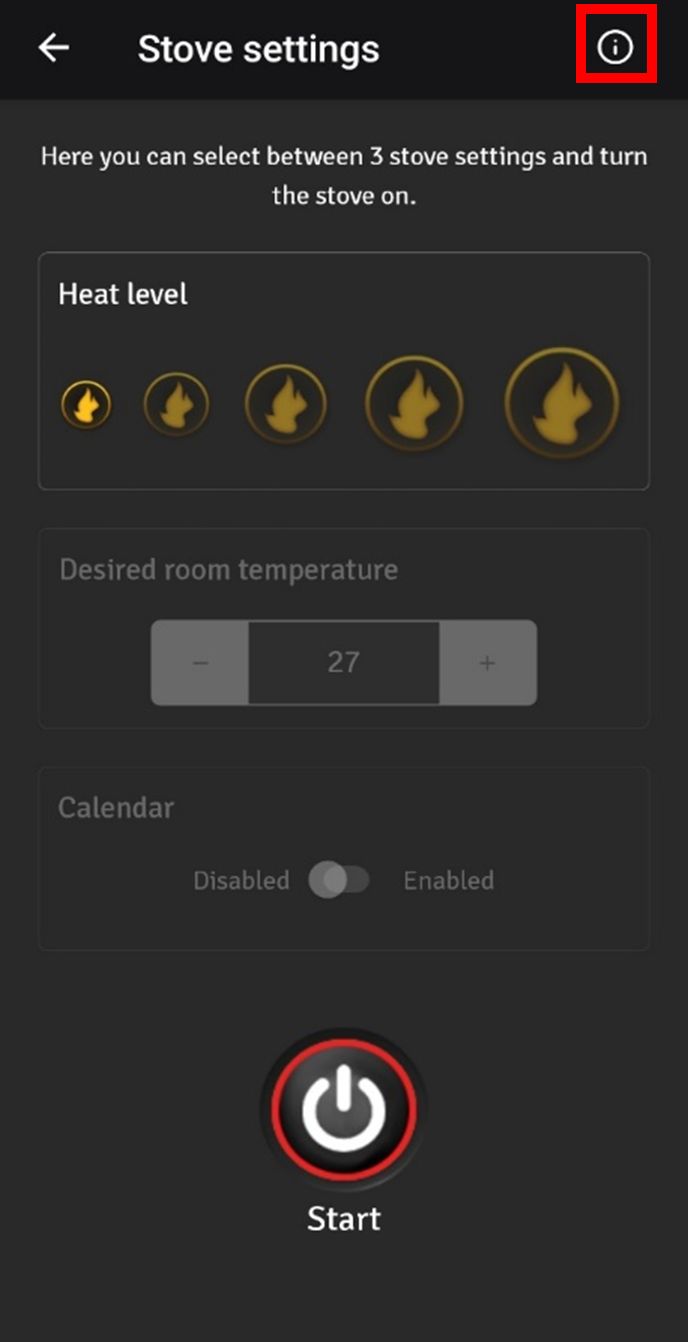
2. In the stove settings screen, tap the “i” icon in the upper right corner.
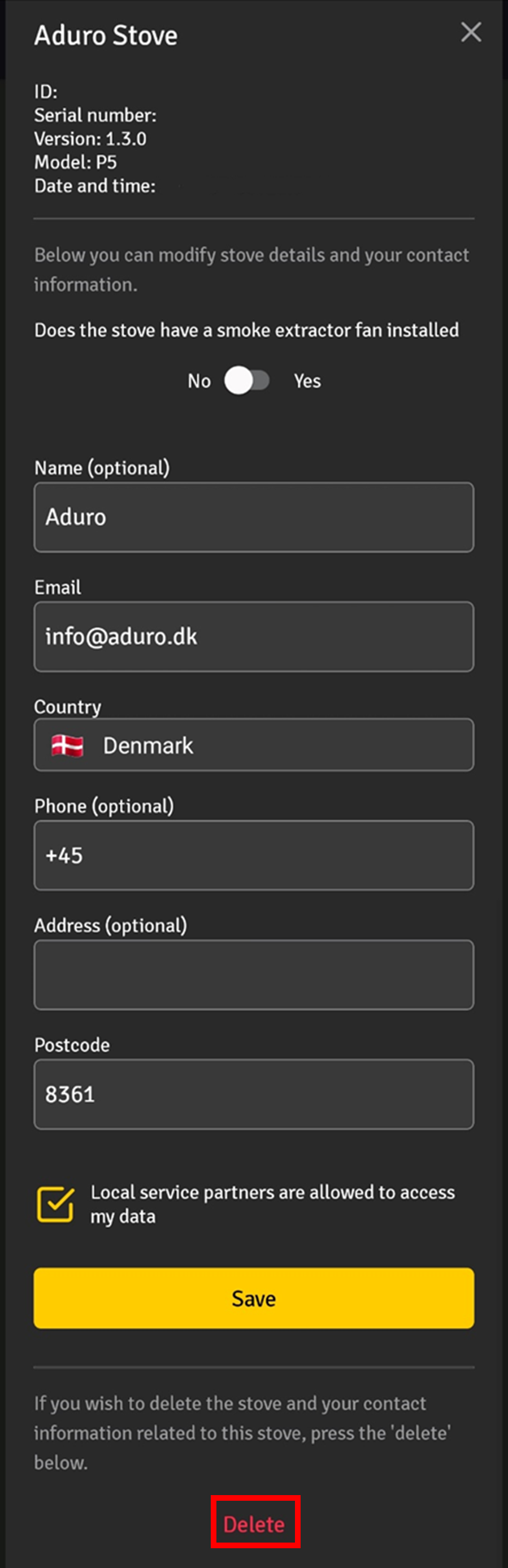
3. Scroll to the bottom and tap the “Delete” button”.
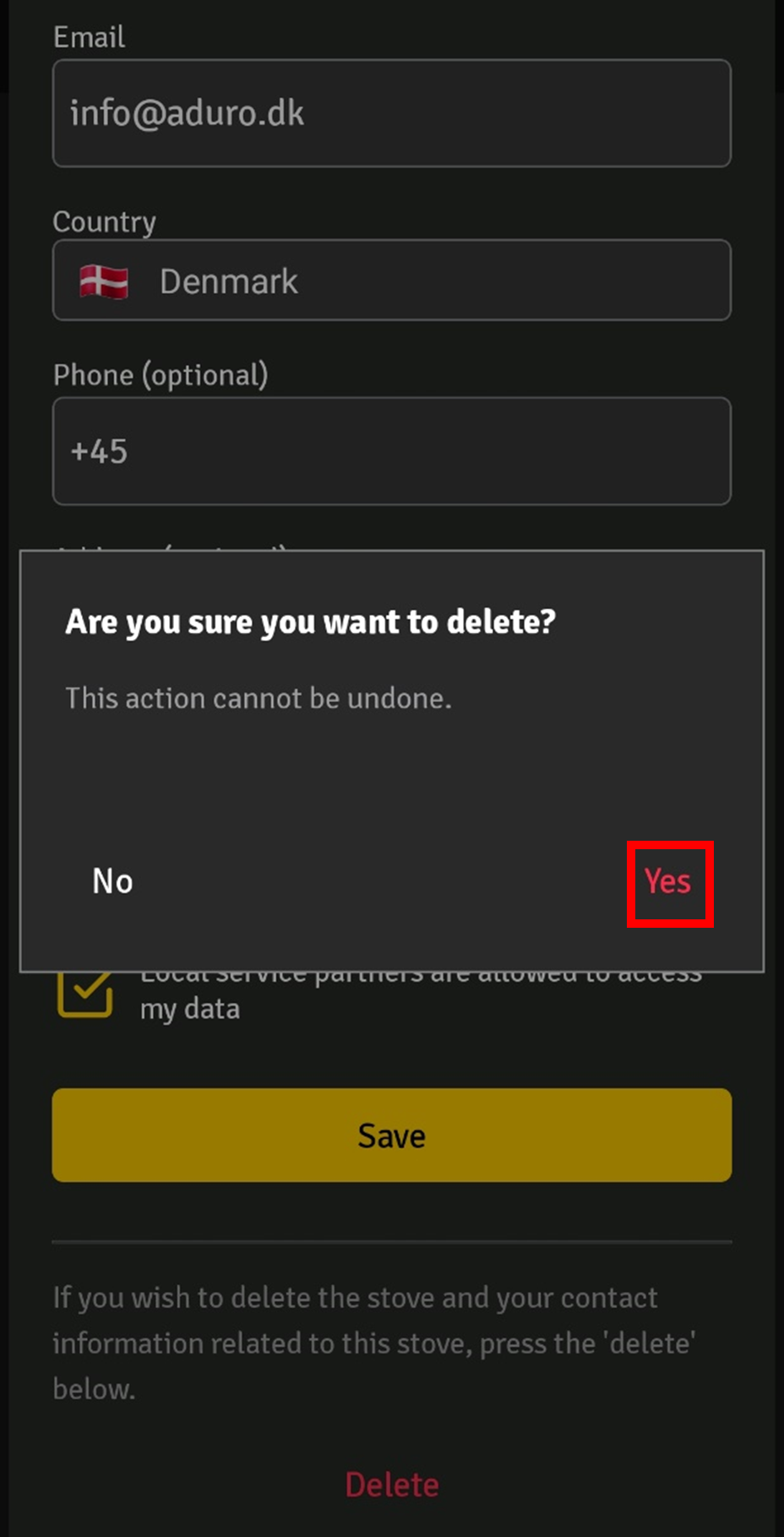
4. Confirm that you want to delete the stove. This will permanently remove all data for that stove from the cloud.
Deleting your user account from the app and cloud
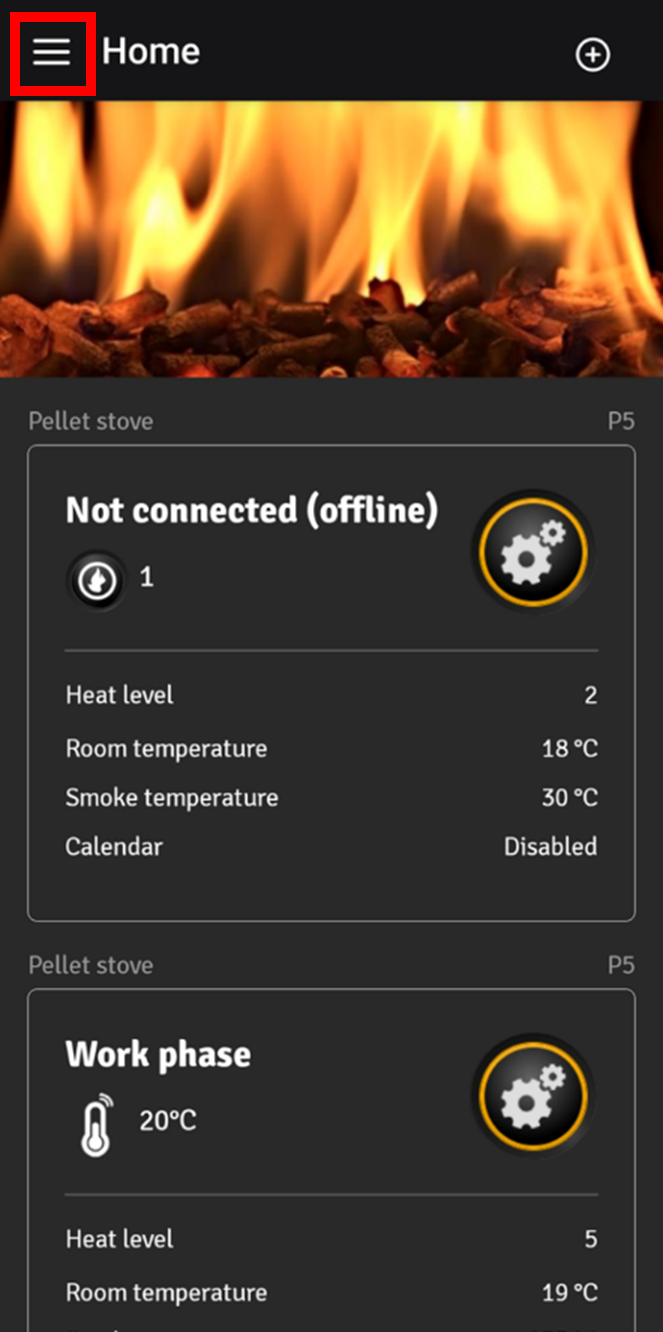
1. Tap the three lines (menu) in the upper left corner.
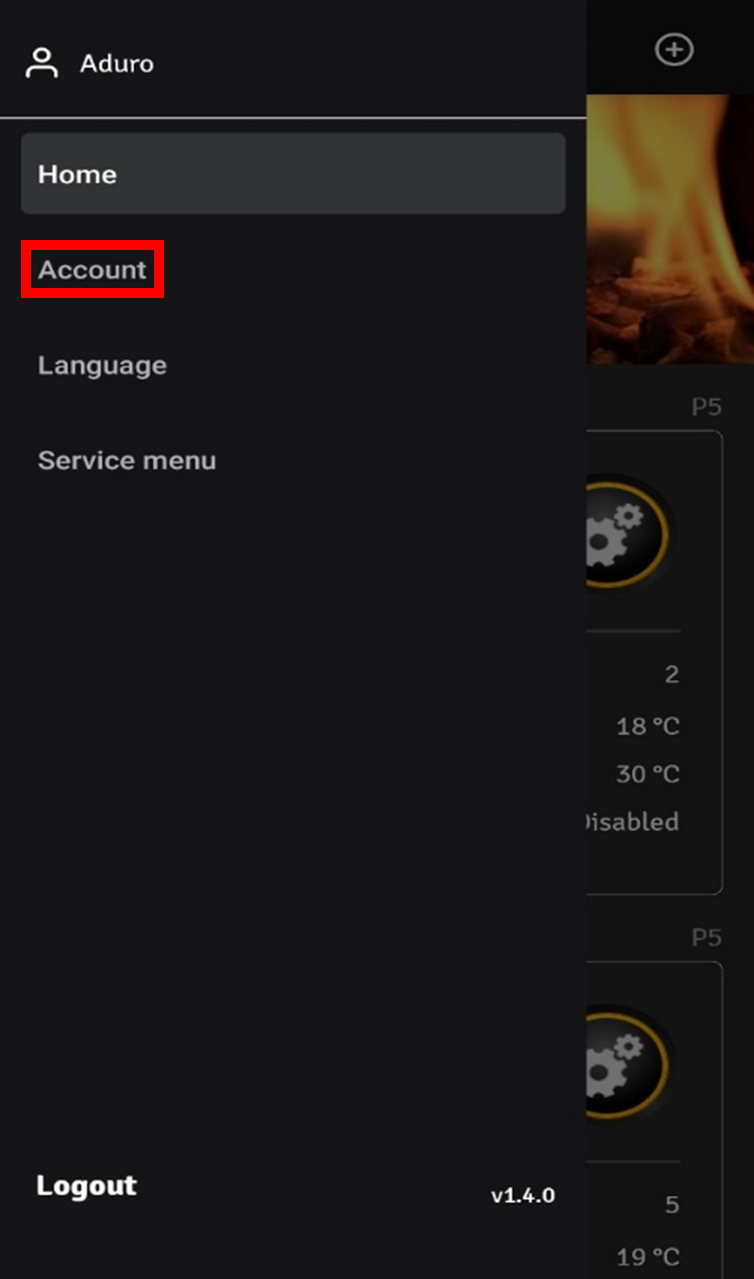
2. Select “account” from the menu.
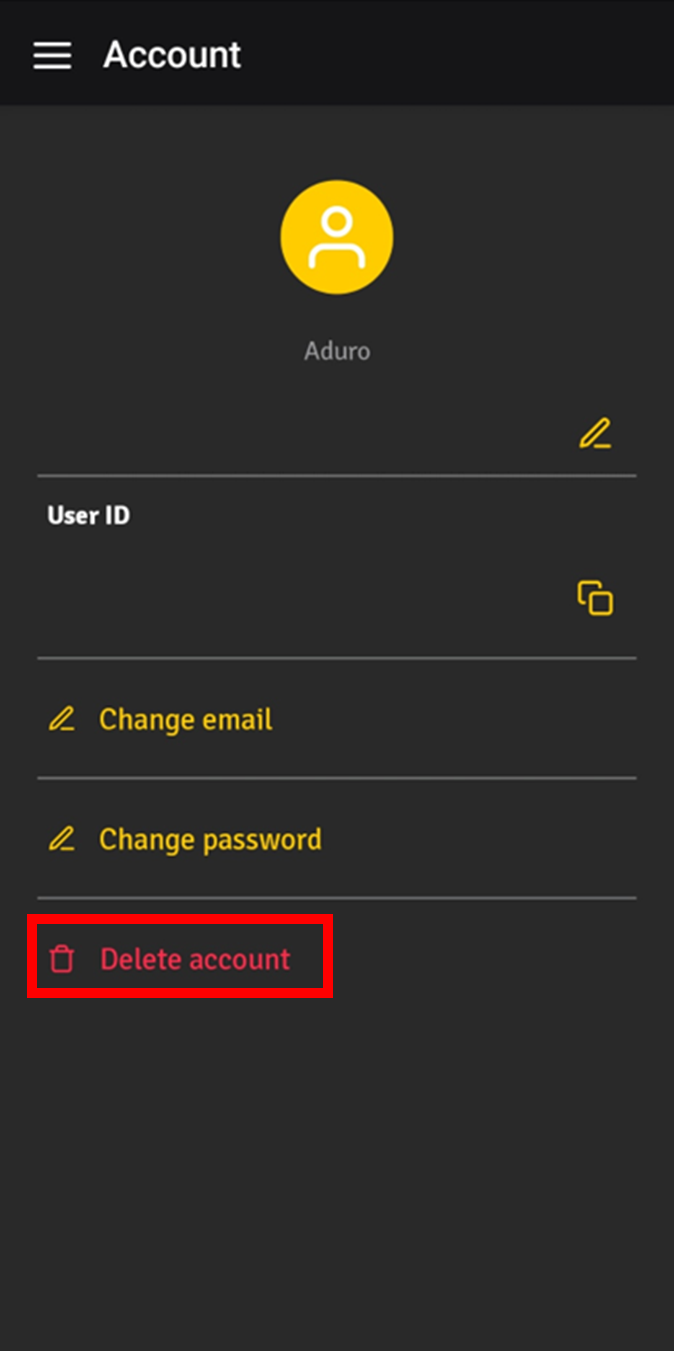
3. Tap “Delete account”.
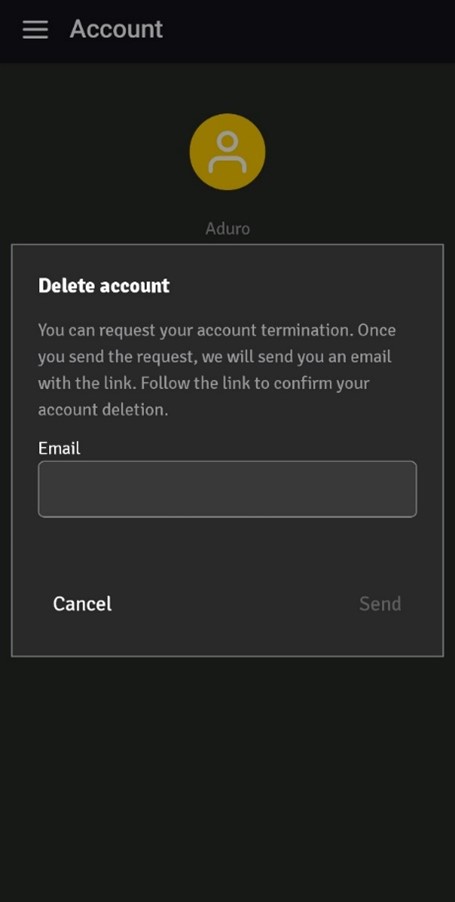
4. Enter your email address and tap the “Send” button. Within a few minutes, you will receive a confirmation email with a link, that lets you delete your account.
5. Click the confirmation link in the email to proceed.
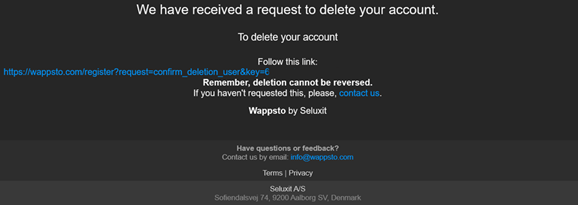
6. A browser will open confirming that your account has been deleted, and you will be logged out of the app.
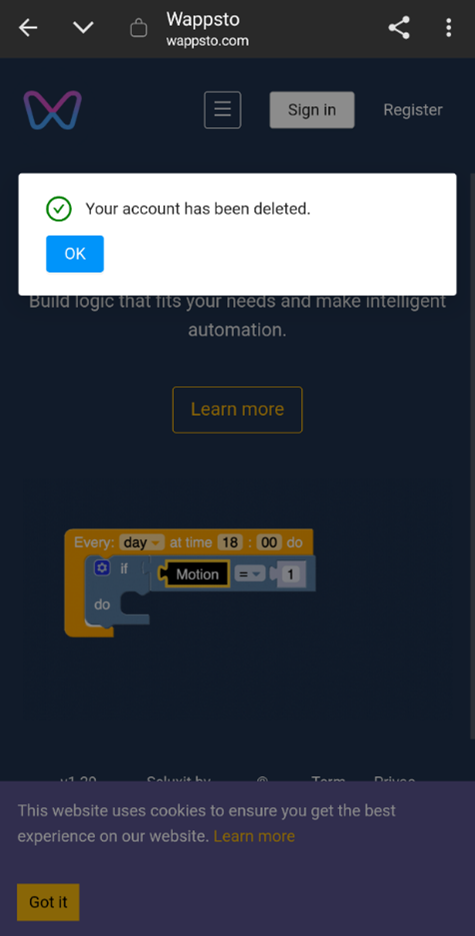
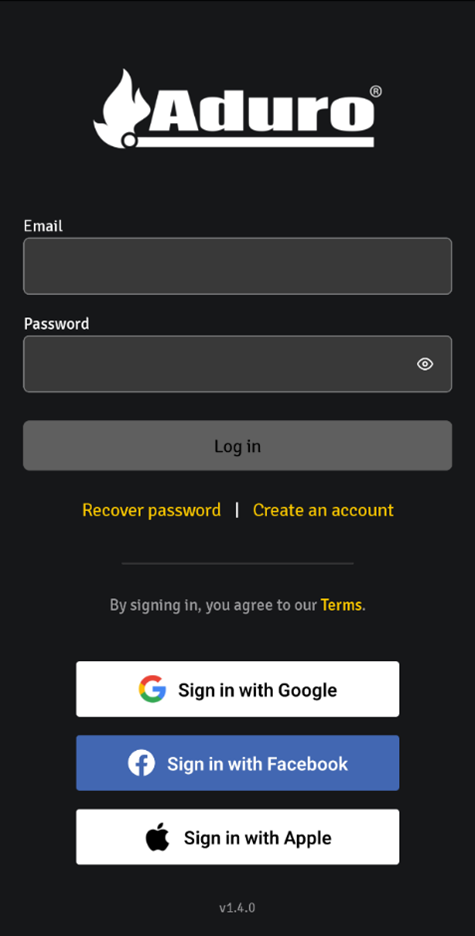
Your account has now been successfully deleted.